Accredo B2B portal features
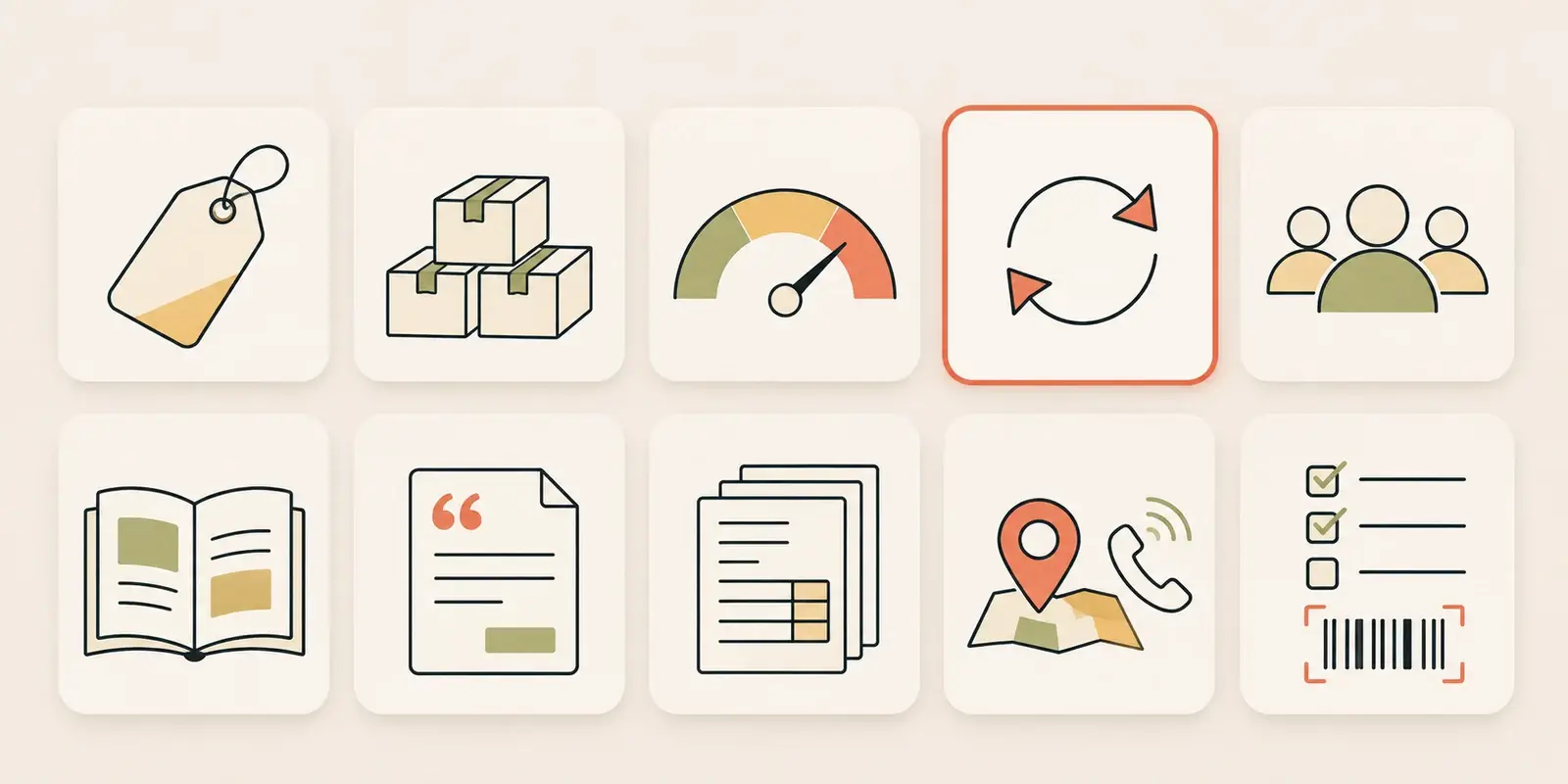
The Rapido portal gives your trade customers a login to order from your Accredo company file. Each page below explains one feature: how it works, what syncs from Accredo, and how often.
-
Customer pricing
All Accredo Special Pricing, with price levels, quantity breaks and date ranges, applied per customer and checked again on the server whenever the cart changes.
-
Stock levels
Quantity available from Accredo, pack sizes from its units of measure, order multiples and out-of-stock ETAs, with stock by warehouse and back-in-stock alerts set up where you want them.
-
Credit and balances
Balance, 30, 60 and 90 day ageing, credit limit and latest payment from Accredo. Stop credit in Accredo blocks checkout.
-
Orders into Accredo
Orders go into Accredo as Order Entry orders or invoices, your choice, with the customer’s PO number and delivery address, and are tracked until Accredo confirms them.
-
Logins and branches
Several buyers per Accredo account, head offices that switch between their branches, and per-login controls for what each person sees.
-
Customer catalogues
Show each customer the products meant for them, using profiles built on Accredo product fields such as stock group, plus hidden groups.
-
Quotes
Customers see their Accredo quotes, accept them to create the sales order, or save a cart as a quote with a follow-up date.
-
Invoices and statements
Every Accredo invoice and credit, searchable, with PDFs and statements printed by Accredo, Excel export and carrier tracking links.
-
Sales reps
Reps see their own Accredo customers, each account’s balance and open orders, keep notes and to-dos, and order on a customer’s behalf.
-
Quick ordering
A Popular list of each customer’s most-ordered products, search by code, description or barcode, spreadsheet upload and PDF purchase orders.
Rapido checks Accredo for changed records every 30 seconds and copies them to the portal. Statements and invoice PDFs are printed by Accredo when the customer asks for them, and orders are sent to Accredo as soon as they are placed.
For the overview, editions and hosting, see the Accredo B2B portal page.
Portal feature questions.
-
What does the Rapido portal sync from Accredo?
Products, stock by location, price levels, Special Pricing rules and breaks, customers and their delivery addresses, orders, invoices and credits, receipts, purchase orders, shipments and sales people. Changes are picked up every 30 seconds. -
Does Rapido write anything back to Accredo?
Yes: orders, as Order Entry orders or invoices (your choice), quotes saved from the cart, and quote acceptances, which Accredo turns into sales orders. Price lists, stock levels and customer records are read, not changed. -
Can the portal be set up the way we work?
Yes. The core portal covers pricing, stock, ordering, history, statements and balances. Rapido sets up the rest for your portal, such as quotes, spreadsheet and PDF ordering, the sales rep view, stock by warehouse, approvals, order again and returns, and can customise it to what you need.
See it on your own Accredo data.
A 30-minute call. We connect to your Accredo and show you the portal with your real customers and prices.