Stock levels from Accredo
Stock in Rapido is the quantity available in Accredo, copied to the portal every 30 seconds and shown to trade customers on every product line.
Step by step.
-
Stock is copied from Accredo
Rapido reads each product’s quantity available from its Accredo locations every 30 seconds.
-
You choose which stock counts
The portal shows either the total across your locations or the stock at one location you choose, such as your dispatch warehouse.
-
Customers see it on the product line
Each product shows how many are in stock, or “In Stock” and “No Stock” if you would rather not show numbers.
-
Your ordering rule is applied
You decide whether customers can order items with no stock, and the portal applies that rule as they order.
-
Out-of-stock items show when more is due
Where you track it, the portal shows the expected date from your purchase orders and shipments, or the supplier lead time.
Is the stock in the portal live?
Close to it. Rapido checks Accredo for changes every 30 seconds, so the portal is usually no more than about half a minute behind. There is no overnight file.
Can it show stock for more than one warehouse?
Yes. The portal can show the total across your Accredo locations, or the stock at the location you dispatch from. Rapido can also set your portal up to show stock by warehouse, so customers see what is available at each location.
How are cartons and inners handled?
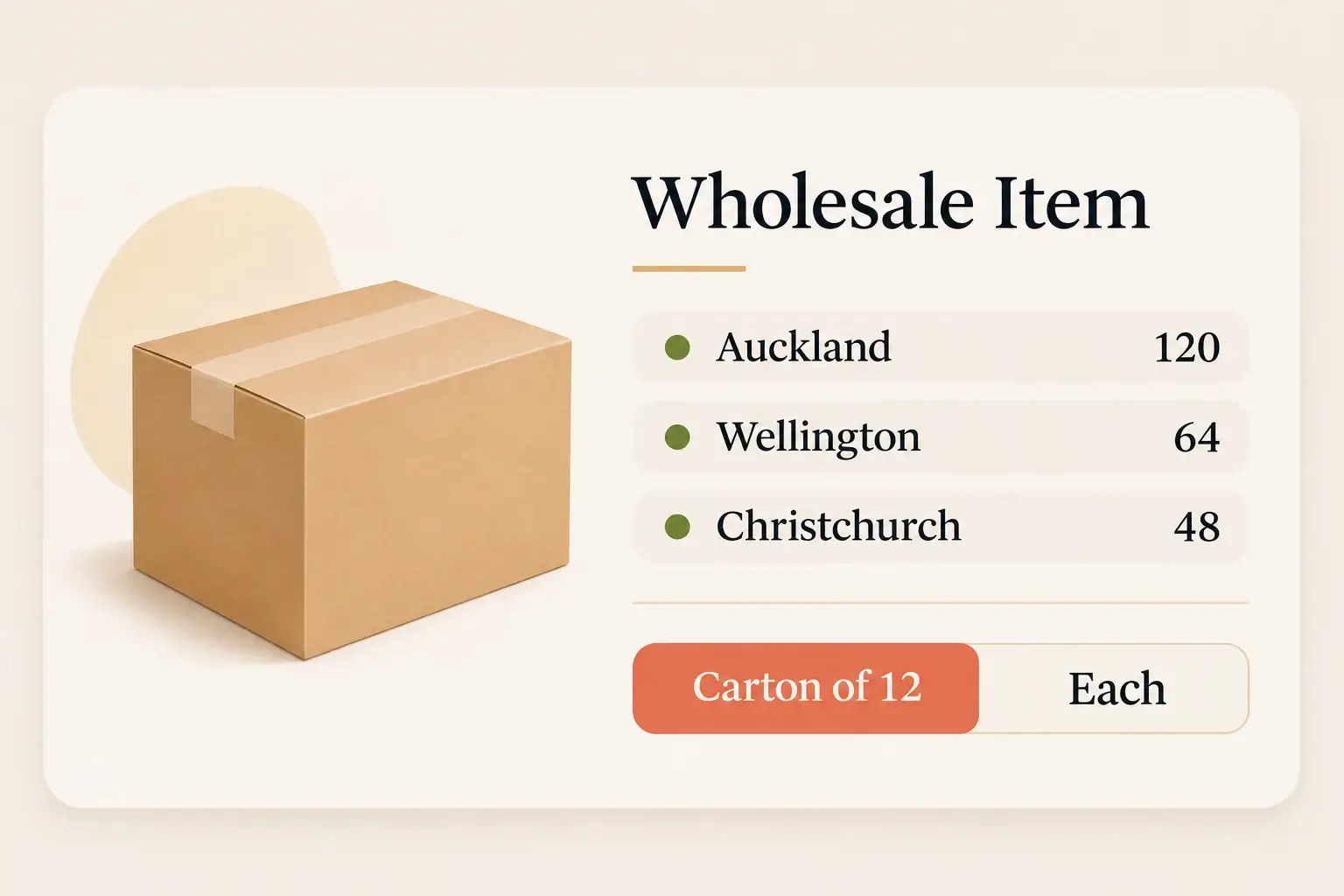
Rapido reads the inner and outer units of measure you have set up on each product in Accredo and shows them on the product line, for example “Inner 12 / Outer 24”.
You can also make customers order in multiples of the inner or outer. The quantity buttons then step by the multiple, and checkout won’t go through while a line isn’t a multiple.
If your customers order in cartons, Rapido can add a carton picker to your portal that converts cartons to single units for them.
What do customers see when something is out of stock?
An out-of-stock product can show the date more is expected, taken from the purchase order or shipment it is on in Accredo. If there is no date, it can show the usual lead time in days, or “Awaiting confirmation”.
Products can also carry tags such as Pre Order, Seasonal Indent, New, Discontinued or Clearance. Tagged pre-order and indent items can stay orderable when they have no stock.
Can customers be told when an item is back in stock?
Yes, Rapido can switch on back-in-stock alerts for your portal. Customers ask for an email or a portal notification on an item that is out, and are told when it comes back. The Out Of Stocks page lists items that are out, with a filter for products the customer has ordered before.
What syncs from Accredo, and how often
| Data | From Accredo | How often |
|---|---|---|
| Quantity available by location | Product, Location | Every 30 seconds |
| Inner and outer pack sizes | Product units of measure | Every 30 seconds |
| Expected dates for out-of-stock items | Purchase Order, Shipment | On a schedule, where set up |
Rapido checks Accredo for changed records every 30 seconds and copies them to the portal. Statements and invoice PDFs are printed by Accredo when the customer asks for them, and orders are sent to Accredo as soon as they are placed.
Which location to show, stock by warehouse, number or in-stock wording, a display cap, order multiples, ordering when out of stock, stock tags, ETAs and back-in-stock alerts are set up for your portal.
Stock levels questions.
-
How often does stock update?
Rapido checks Accredo for changes every 30 seconds. -
Can customers order items with no stock?
That is your choice. You can allow it, block it, or allow it for tagged items such as pre-orders and indents. Rapido can also re-check stock on the server when the order is placed. -
Can we hide stock numbers?
Yes. The portal can show “In Stock” and “No Stock” instead of numbers, or cap the number shown. -
Can the portal show stock for each warehouse?
Yes. Rapido can set your portal up to show stock by warehouse, as well as the total or a single dispatch location. -
Does the portal enforce carton quantities?
It can. With order multiples switched on, a product with an inner or outer unit of measure in Accredo has to be ordered in multiples of it.
See it on your own Accredo data.
A 30-minute call. We connect to your Accredo and show you the portal with your real customers and prices.