Credit limits, balances and stop credit
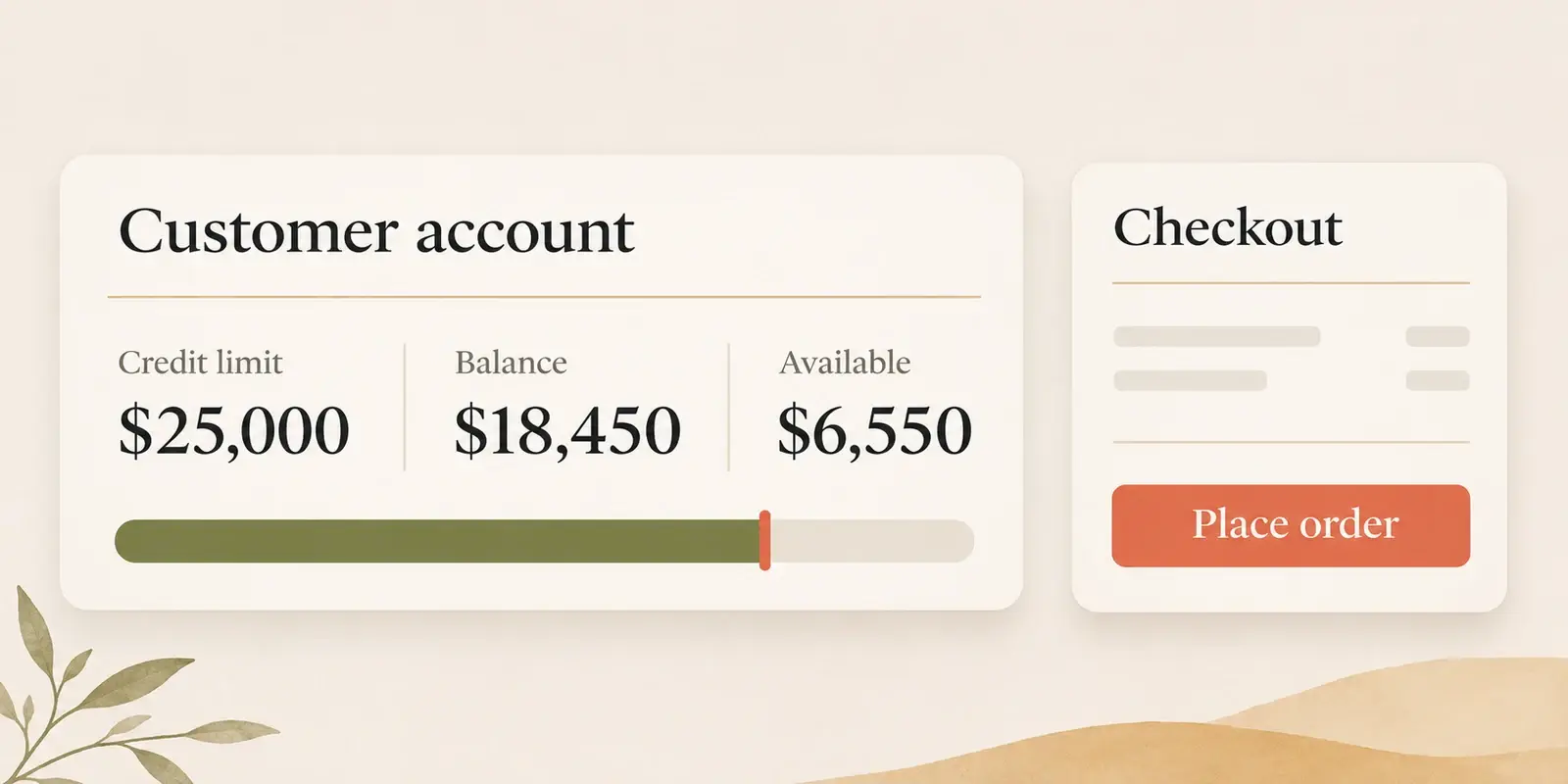
Rapido shows each trade customer their Accredo account: balance, ageing, credit limit and last payment, and blocks checkout when the account is on stop credit in Accredo.
Step by step.
-
Account figures come from Accredo
Balances, credit limit, stop credit and receipts are copied from the customer and transaction records in Accredo every 30 seconds.
-
The customer sees their account
A balance breakdown shows the credit limit, current, 30, 60 and 90 day balances, the total, and the date and amount of their latest payment.
-
Stop credit blocks checkout
If the account is on stop credit in Accredo, checkout shows a message asking the customer to contact your accounts team, with buttons to email or call them.
-
Statements are a click away
The customer can download their statement, printed by Accredo, from the same screen.
What does stop credit do in the portal?
When the Stop Credit box is ticked on the customer in Accredo, the portal shows “Your account is on stop credit. Please contact our accounts team before placing orders.” in place of checkout, with email and phone buttons for your accounts team. Untick it in Accredo and they can check out again within about 30 seconds.
Can the portal check an order against the credit limit?
Yes, Rapido can add a credit-limit check at checkout for your portal, set up to warn the customer or to stop the order, whichever suits your credit policy. Customers always see their credit limit next to their balances.
Can a sales rep see a customer’s credit position?
Yes. Reps see the same balance breakdown, credit limit, stop credit status and latest payment for each of their customers. See sales reps.
What syncs from Accredo, and how often
| Data | From Accredo | How often |
|---|---|---|
| Credit limit, stop credit, current and aged balances | Customer | Every 30 seconds |
| Receipts (latest payment) | Transaction | Every 30 seconds |
| Statement PDF | Customer statement print | When the customer asks for it |
Rapido checks Accredo for changed records every 30 seconds and copies them to the portal. Statements and invoice PDFs are printed by Accredo when the customer asks for them, and orders are sent to Accredo as soon as they are placed.
The stop-credit block at checkout is on by default and can be turned off. A credit-limit check at checkout, and hiding the account section for some logins, are set up for your portal.
Credit and balances questions.
-
Can customers see their balance and credit limit?
Yes. They see their credit limit, current, 30, 60 and 90 day balances, total balance and latest payment, from Accredo. -
What happens at checkout when an account is on stop credit?
Checkout is replaced with a message asking the customer to contact your accounts team, with buttons to email or call them. -
Can we hide account balances from some logins?
Yes. Rapido can set a login so the account section is hidden, for example for staff who place orders and nothing else.
See it on your own Accredo data.
A 30-minute call. We connect to your Accredo and show you the portal with your real customers and prices.