Customer-specific pricing from Accredo
Customer pricing in Rapido means each trade customer sees and orders at the price Accredo would charge them, worked out from your Accredo price levels and Special Pricing rules.
Step by step.
-
Rapido copies your pricing from Accredo
Product selling prices, Special Pricing rules and their quantity breaks are copied from Accredo every 30 seconds. You keep maintaining prices in Accredo.
-
The customer’s price code sets the base price
Each customer’s Accredo price code picks which selling price column applies to them.
-
Special Pricing rules are checked
The portal finds every rule that applies to that customer and product and is inside its start and end dates (checked on the New Zealand date).
-
One rule wins
The rule with the lowest priority number wins. If two rules have the same priority, the lower price wins.
-
The cart is repriced on the server
Every time a customer adds a line or changes a quantity, the server prices every line in the cart again. You choose whether the order sent to Accredo carries those prices or is priced by Accredo.
Which Accredo pricing rules does the portal use?
Rapido supports all Accredo Special Pricing. The portal reads the same rules your team sets up in Accredo, so there is no second price list to keep in step. That includes:
- Rule types: fixed price, discount percentage, and cost relative.
- Who a rule applies to: a customer, a price code, AR category 1 or 2, a sales person, a sales area or a customer group.
- What a rule applies to: a product, a stock group, a sales group, IC category 1 or 2, or a discount schedule.
- Start and end dates, so promotional prices start and stop on their own.
- Quantity breaks, each with a minimum quantity.
Do quantity breaks show to the customer?
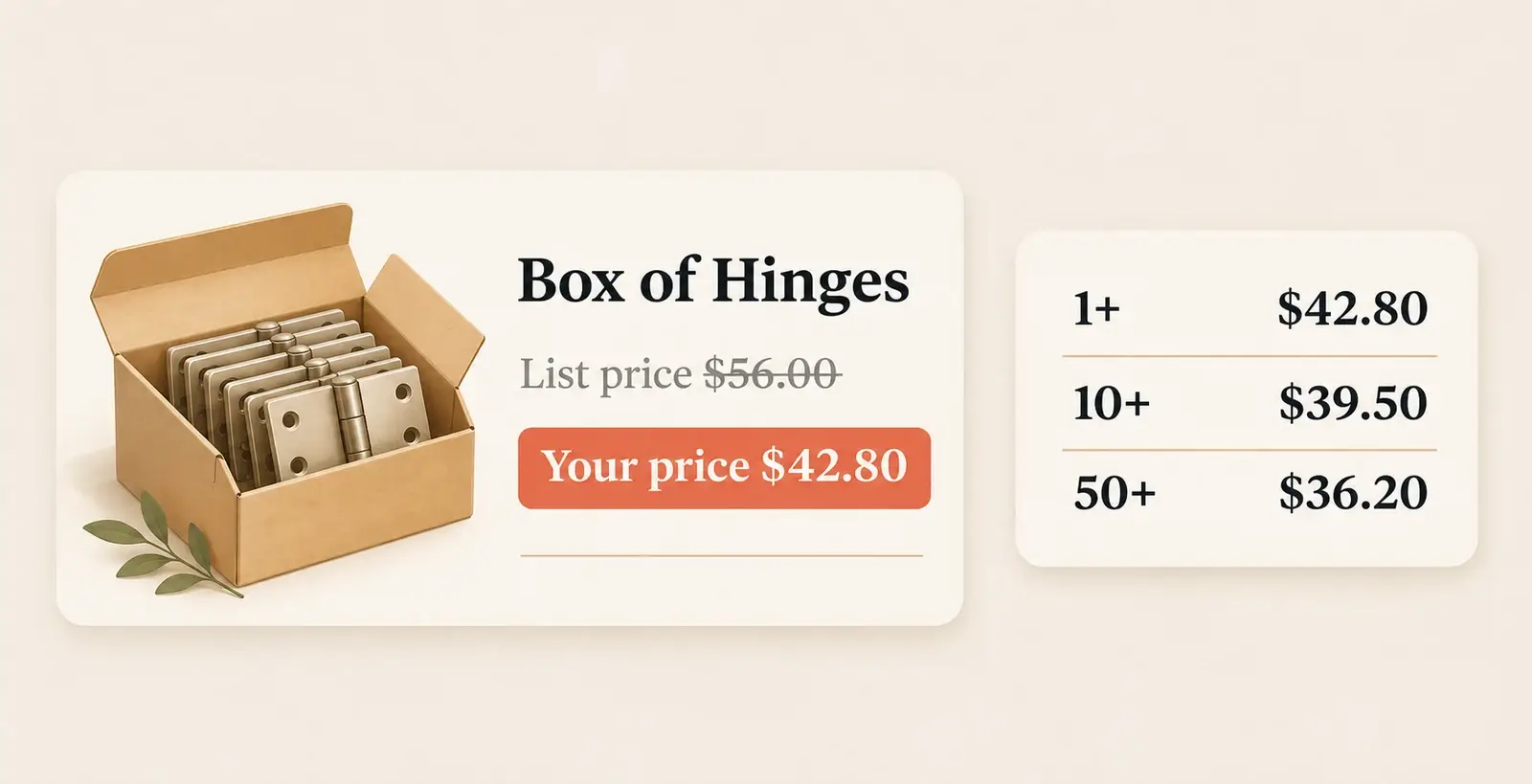
Yes. Products with breaks show the break quantities on the product line, for example “10 units” and “50 units”, and can show each break as a price. The cart can show the bulk saving the customer made.
Because the server reprices the cart on every change, the break price applies as soon as the quantity reaches the break.
Can a pricing rule take a price below cost?
Not by default. The portal will not let a rule price a product below its standard cost unless the rule is marked to bypass the minimum margin.
What happens to products a customer has no price for?
Products with no selling price at the customer’s price level are left out of that customer’s catalogue, so nothing gets ordered at zero by mistake. Free-of-charge sales groups can be allowed through if you need them.
Can customers see a recommended retail price?
Yes, if you switch it on. You choose which Accredo price level holds RRP, and the portal shows it next to the customer’s price.
What syncs from Accredo, and how often
| Data | From Accredo | How often |
|---|---|---|
| Selling prices by price level | Product | Every 30 seconds |
| Special Pricing rules and quantity breaks | Price, Break | Every 30 seconds |
| Customer price code, AR categories, sales person, sales area | Customer | Every 30 seconds |
Rapido checks Accredo for changed records every 30 seconds and copies them to the portal. Statements and invoice PDFs are printed by Accredo when the customer asks for them, and orders are sent to Accredo as soon as they are placed.
Whether orders carry portal prices or Accredo prices, RRP display, showing breaks as prices and freight lines are set up for your portal.
Compared with building it yourself
| Rapido | Build it yourself | |
|---|---|---|
| Where prices are maintained | In Accredo, as today | In Accredo, plus your own copy of the rules |
| Special Pricing | All Accredo Special Pricing rules | You write and maintain the matching logic |
| Quantity breaks | From the Accredo rule, applied in the cart | You build it |
| Price on the Accredo order | Portal price or Accredo price, your choice | You build it |
Customer pricing questions.
-
Does the portal honour Accredo Special Pricing?
Yes. Rapido supports all Accredo Special Pricing, including quantity breaks, start and end dates and rule priority, for each customer. -
How quickly does a price change in Accredo reach the portal?
Within about 30 seconds. Rapido checks Accredo for changed products and pricing rules every 30 seconds. -
Which price goes on the order in Accredo?
Your choice. The order can carry the price the portal worked out for that customer, or Accredo can price it. Either way your price lists and rules stay in Accredo; the portal doesn’t change them. -
Can two customers see different prices for the same product?
Yes. Each customer sees the price from their own price code and the Special Pricing rules that apply to them.
See it on your own Accredo data.
A 30-minute call. We connect to your Accredo and show you the portal with your real customers and prices.