Several logins per account, and head office access
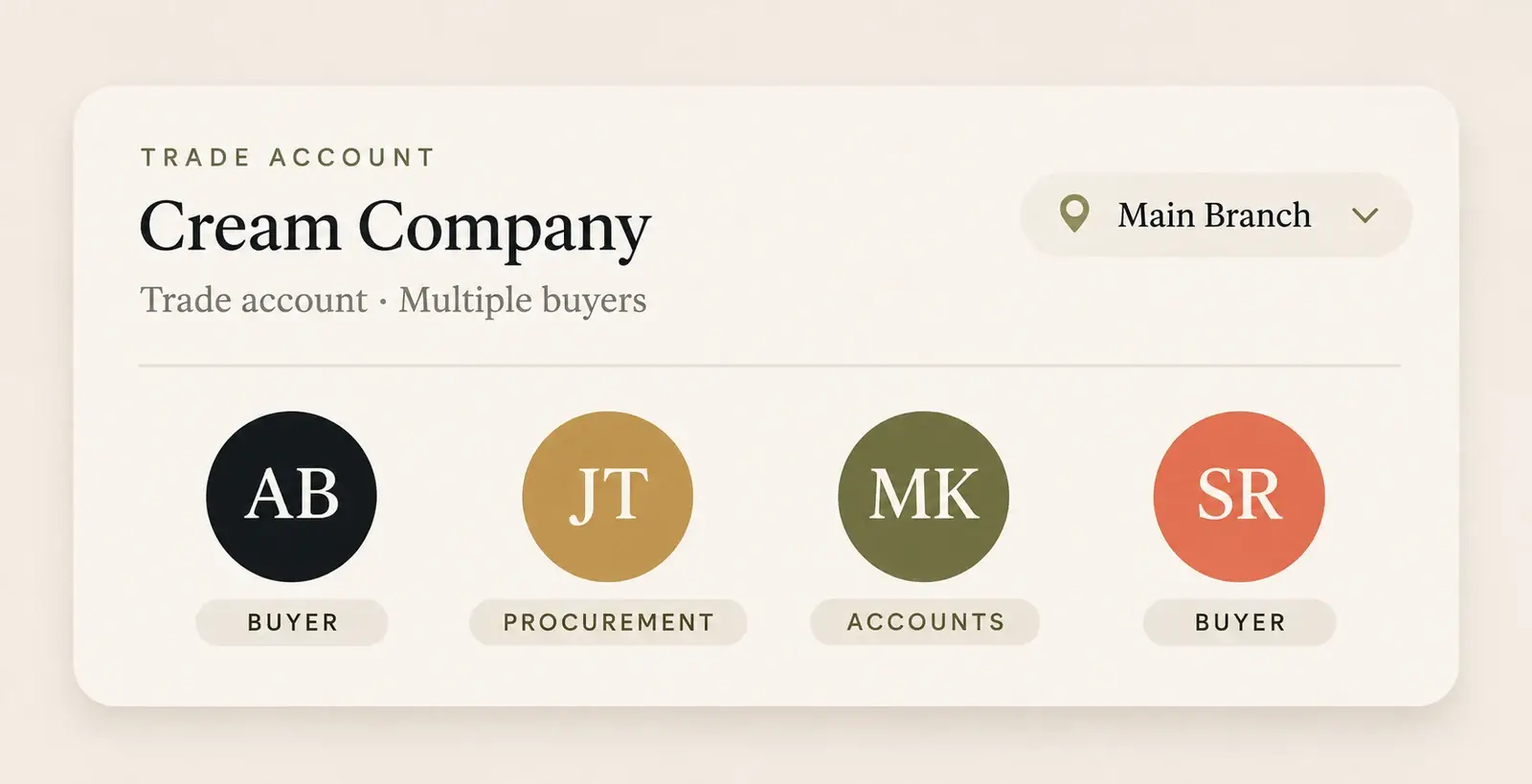
In Rapido, each login belongs to an Accredo customer account, several people can share one account, and a head office login can switch between the branch accounts billed to it in Accredo.
Step by step.
-
You create the logins
Your portal admin, or a sales rep, adds a login with the person’s name and email and links it to an Accredo customer code.
-
Add as many people as the customer needs
Any number of logins can share one customer code. Each person signs in with their own email and password.
-
Link head offices to their branches
Give a login a bill-to customer code and it can switch between that account and every account billed to it in Accredo. You can also list the exact accounts a login may use.
-
Decide what each login sees
Per login, Rapido can hide the account and balances section, allow drop-ship orders, or allow card payments where set up.
Can more than one person order on the same Accredo account?
Yes. Logins are linked to an Accredo customer code, and several logins can share the same code. Everyone on the account sees the same prices, catalogue and order history.
How do head offices with several branch accounts use it?
In Accredo, branch accounts usually have a bill-to account. A login set up with that bill-to code can pick any of those branches from a customer list and order for it, at that branch’s pricing. Invoices for the branches are visible from the head office account as well.
Can customers add their own users?
Rapido can switch on self-service users for your portal, so a customer’s main contact adds and removes their own staff. Your portal admins and sales reps can also add logins, see when each was last used and turn logins off.
Can some buyers need approval before an order is placed?
Yes. Rapido can set up buyer and approver roles for your portal, so orders from some logins wait for a manager to approve them. Orders can also be held before they go into Accredo so your own team checks them.
What syncs from Accredo, and how often
| Data | From Accredo | How often |
|---|---|---|
| Customer accounts and bill-to links | Customer | Every 30 seconds |
| Delivery addresses and contacts | Customer delivery addresses, contacts | Every 30 seconds |
Rapido checks Accredo for changed records every 30 seconds and copies them to the portal. Statements and invoice PDFs are printed by Accredo when the customer asks for them, and orders are sent to Accredo as soon as they are placed.
Logins and branches questions.
-
Can several staff at one customer have their own logins?
Yes. Any number of logins can share one Accredo customer code, each with its own email and password. -
Can a head office order for its branches?
Yes. A login set up with the bill-to account can switch between every account billed to it in Accredo and order for each at that account’s pricing. -
Who creates portal logins?
Your portal admins, or your sales reps if you give them that access. Rapido can also let customers manage their own users. -
Can we see who is using the portal?
Yes. Admins see each login’s last sign-in and how many people are online now.
See it on your own Accredo data.
A 30-minute call. We connect to your Accredo and show you the portal with your real customers and prices.